1,300 games in one lobby
Slots, fishing arcades, live tables, crash rounds, lottery and sports markets from PG Soft, Playtech, JDB, JILI and Red Tiger. Search by provider or game type and the list narrows as you type.
The 88rich app for Android installs straight from this page. One file, 32 MB, and no store account needed.
Tap Download APK below, allow installs from your browser, and you are in the lobby within a few minutes. Sign in with the same account you already use on the website.
Prefer to scan? The QR code sits in the download section further down. 18+ · Play Responsibly.
Slots, fishing arcades, live tables, crash rounds, lottery and sports markets from PG Soft, Playtech, JDB, JILI and Red Tiger. Search by provider or game type and the list narrows as you type.
Touch ’n Go eWallet, DuitNow, FPX Online Banking and Bank Transfer all run inside the app. Deposits usually show in about 3 minutes and approved withdrawals in around 8. Minimum deposit is RM10.
24/7 Live Chat opens from any screen in the app. Ask about a stuck deposit, a bonus balance or an APK install error and a real person replies while you keep playing. Keep the chat open to hold the transcript.
Your 195% first deposit bonus up to RM600, the 23% reload offer and 0.5% daily cashback appear in the app exactly as they do on the site, with the 22× turnover rule written out in the bonus wallet.
The whole install is 32 MB, so a 4G session costs far less than pulling a full desktop lobby through a mobile browser. Game art caches after the first load, which helps on a prepaid data plan.
Register on the website and the same 88rich account opens the app. Balances, bonus progress and withdrawal history stay in sync, so you can start on a laptop and finish on the phone.
| What you compare | 88rich app (Android APK) | 88rich.my in the browser |
|---|---|---|
| Getting started | Download 88rich.apk once, then open from the home screen icon | Type the address in Chrome or Safari and bookmark it |
| Phone storage | 32 MB for the installed file, plus cached game art | Nothing installed; the browser keeps a small cache |
| Android version | Android 9.0 or newer | Any phone with an up to date browser |
| Game library | Full lobby, all 1,300 games and five providers | Full lobby, all 1,300 games and five providers |
| Cashier | Touch ’n Go eWallet, DuitNow, FPX and bank transfer in the built-in wallet | The same four methods through the web cashier |
| Updates | Install the newer APK from this page when a version is released | Nothing to do; the page loads the newest build on refresh |
| Best for | Regular play on one phone, quick relaunch, fewer taps to the cashier | One-off sessions, shared devices, and every iPhone user |
Everything below comes from the build we publish today. If a file on your phone shows a different size or version, delete it and take this one instead.
| Detail | Value |
|---|---|
| File name | 88rich.apk |
| Version | 3.4.0 |
| File size | 32 MB |
| Minimum Android version | 9.0 |
| Last updated | 11 November 2026 |
| Price | Free |
| Languages | English, Bahasa Melayu |
88rich.apk · 32 MB · version 3.4.0
No 88rich account yet? Register first, then come back for the file. Already signed up? The install steps below finish the job.
Point your phone camera at the code to open the APK link directly.
Open Settings, then Apps, then Special access, and choose Install unknown apps. Pick the browser you download with, such as Chrome, and switch the permission on for now.
Tap Download APK on this page. The browser saves 88rich.apk, 32 MB, into your Downloads folder. Keep the screen awake until the progress bar finishes, or the file stops halfway.
Open Downloads and confirm the file reads 88rich.apk at 32 MB. Anything clearly smaller was cut off mid-download. Delete that copy and fetch it again over Wi-Fi before installing.
Tap the file, then Install on the prompt. If Play Protect shows a warning, tap More details and choose Install anyway, because the APK comes from 88rich.my rather than the Play Store.
Open the 88rich app and sign in with your usual username and password. Let the lobby load once over Wi-Fi: the first launch caches game art and is always the slowest one.
An APK cannot run on iOS, so there is no install file for iPhones. Safari can still place 88rich on your home screen and open the mobile lobby in one tap.
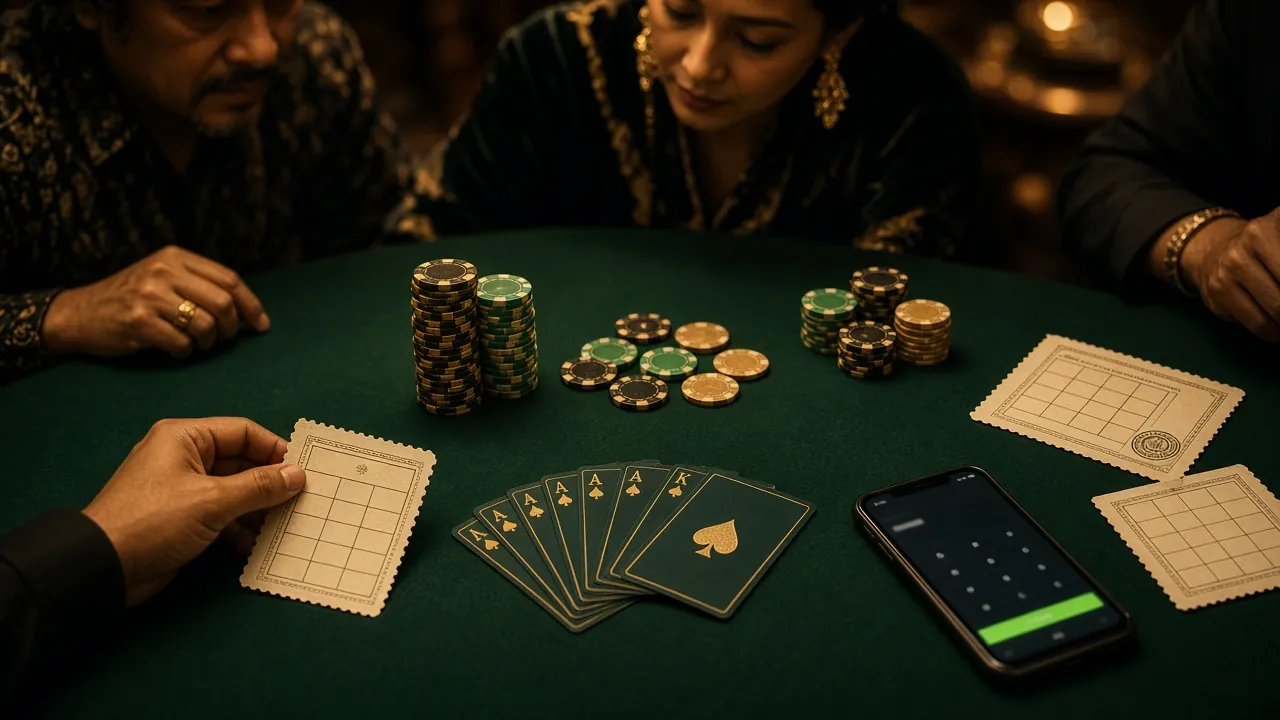
 Fishing
Aim, fire and collect from the reef. Bets start at RM1 and cap at RM100 per shot.
 Live
Real dealers, real cards, streamed to the phone. Stakes from RM1 to RM100 a hand.
Beyond those two, the app carries slots, crash rounds, lottery draws and sports markets. The same wallet covers every section, so a win on a reel can be spent on a table without a transfer.
| Game | Provider | RTP | Min bet | Max bet |
|---|---|---|---|---|
| Monkey King Fishing | JDB | 95.9% | RM1 | RM100 |
| European Blackjack | JDB | 97.8% | RM1 | RM100 |
| Slide | JILI | 96.6% | RM1 | RM1,000 |
| Crash | PG Soft | 95.8% | RM0.50 | RM2,500 |
| Lucky Neko | Red Tiger | 97.2% | RM0.10 | RM100 |
| The Great Icescape | Playtech | 95.8% | RM0.50 | RM1,000 |
Download 88rich.apk from this page only. Copies passed around Telegram groups or WhatsApp chats are not builds we published, and nothing here can vouch for what they contain.
The APK needs internet access to load games and storage space for cached artwork. If a prompt ever asks for contacts, SMS or accessibility control, cancel it and download the file again.
Once the install finishes, return to Install unknown apps and switch your browser permission off again. The 88rich app keeps working normally; other files simply cannot install themselves on your phone.
Nobody from live chat will ask for your password, so never type it into a chat. Check the cashier details before any transfer, and log out when you share a phone with family.
Nearly every failed install comes from one of five causes. Work down the table before you contact chat, then tell support which row matched.
| What you see | Likely cause | What to do |
|---|---|---|
| “App not installed” at the end of the process | An older 88rich build is still on the phone and the new file cannot replace it | Uninstall the existing 88rich app, then open the downloaded 88rich.apk again and install fresh |
| “Parse error” or “file is corrupt” | The 32 MB download broke halfway on a weak mobile signal | Delete the partial file, switch to Wi-Fi, download again, and check the size reads 32 MB before tapping install |
| Play Protect blocks the installer | Android has not seen this file before, which is normal for anything outside the Play Store | Tap More details, then Install anyway. The file came from 88rich.my, so the warning is expected |
| Install button greyed out | Phone storage is full, or the unknown sources permission is still off | Free up space beyond 32 MB, then recheck Settings, Apps, Special access, Install unknown apps |
| App opens and closes straight away | Android version is below 9.0, or the browser saved an incomplete file | Confirm the Android version in Settings, About phone. Still below 9.0? Use the mobile site instead |
If none of the five fits, open 24/7 Live Chat and send the exact error text plus the file size sitting in your Downloads folder.
Ready on a Android phone with Android 9.0 or newer? Grab the 32 MB file, install it once, and keep the lobby one tap from your home screen.