88rich Deposit Guide: Top Up and Start Playing
Work through this page once and you will know which channel to pick, what the cashier will ask for, and what to do when a transfer stalls before it reaches your balance.
Deposits are the part of the account players ask about most, and almost every question has a short answer. Money moves through one of four channels, sits in your balance within a few minutes, and is ready for the games you came for. The order here is the order you will actually use: the channels side by side, the steps for each one, the timing, then the troubleshooting.
Which 88rich deposit channel fits your wallet?
An 88rich deposit runs on four channels: Touch ’n Go eWallet, DuitNow, FPX Online Banking and Bank Transfer. All four open at RM10 and all four normally credit within 3 minutes, so the deciding factor is where your money already sits. Pick the channel that matches the app already on your home screen and the transfer clears without detours.
| Channel | Minimum deposit | Typical credit time | Best suited to |
|---|---|---|---|
| Touch ’n Go eWallet | RM10 | About 3 minutes | Players who already hold a balance in the eWallet app |
| DuitNow | RM10 | About 3 minutes | Instant transfers started from a Malaysian banking app |
| FPX Online Banking | RM10 | About 3 minutes | Direct login to your own bank account without copying any details |
| Bank Transfer | RM10 | About 3 minutes | Top-ups from a desktop, or when your bank app has neither DuitNow nor FPX |
Stick to one channel per top-up. Splitting RM50 into five RM10 transfers does not speed anything up, and it makes your transaction history harder to read when you need live chat to trace a payment.
How a top-up runs, from cashier to balance
The flow is the same whichever channel you choose. Four screens, one confirmation, then a short wait.
-
1
Open the cashier
Log in, then tap Deposit. Your current balance and any pending bonus sit at the top of the screen.
-
2
Choose your channel
Select Touch ’n Go eWallet, DuitNow, FPX or Bank Transfer. Each one opens its own request form.
-
3
Enter the amount
RM10 is the floor. Type the figure, confirm the channel is the one you wanted, then submit the request.
-
4
Watch for the credit
Most top-ups land in about 3 minutes and appear in both your balance and your transaction history.
Deposit steps for each channel we support
Each channel asks for slightly different details. What follows is what you will actually see on screen, in order, so you are not guessing at the bank page.
Touch ’n Go eWallet
Best when your eWallet already holds a balance. The cashier hands you over to the eWallet app, you approve the payment, and the confirmation returns to 88rich by itself.
- Open the cashier and choose Touch ’n Go eWallet.
- Enter RM10 or more and submit the request.
- Approve the payment prompt inside your eWallet app before the timer runs out.
- Return to the cashier and refresh; the balance updates once the wallet confirms.
DuitNow
DuitNow moves money between Malaysian banks and eWallets using a reference instead of a card number. Use it when DuitNow is already switched on in your banking app.
- Choose DuitNow in the cashier and set the amount.
- Copy the reference shown on the request screen exactly.
- Paste it into the DuitNow field of your bank app and send the same figure.
- Keep the receipt; the balance credits when the transfer matches your account.
FPX Online Banking
FPX opens your bank's own login page inside the request, so the debit happens in the banking session you already trust rather than in a form you have to fill twice.
- Pick FPX Online Banking and confirm the amount.
- Select your bank from the list on the FPX page.
- Log in with your usual banking credentials and approve the debit.
- Wait for the return screen, then check the balance in the cashier.
Bank Transfer
Use bank transfer for top-ups made from a desktop, or when your banking app supports neither DuitNow nor FPX. Send only from an account carrying your own name.
- Choose Bank Transfer and note the account details the cashier generates.
- Send the exact amount from your own bank account.
- Add the reference in the transfer note if your bank offers that field.
- Keep the receipt ready in case the match takes longer than 3 minutes.
Never send a top-up to an account number handed to you in a chat message, a comment thread or a group. The only valid details are the ones your own cashier screen generates after you log in. Anything else is not a payment to 88rich, and it cannot be recovered once it leaves your bank.
Why a deposit fails before it lands
A failed top-up is almost always a timing or matching problem rather than a lost payment. Work through the five cases below in order, and check your transaction history before you send a second transfer.
| What you see | What it usually means | What to do about it |
|---|---|---|
| The eWallet prompt times out | The request expired before you approved it | Open the cashier again, generate a fresh request and finish it in one sitting |
| Money left the bank, balance unchanged | The transfer is still being matched to your account | Give it a few minutes and refresh; if it is still missing, take the receipt to 24/7 Live Chat |
| The cashier rejects the figure | The amount sat below the RM10 floor | Enter RM10 or more and resubmit on the same channel |
| The bank page closed mid-payment | The banking session dropped before approval | Nothing was debited; start a new request and avoid switching apps during approval |
| Deposit credited, bonus missing | The offer has conditions of its own | Check the bonus balance: it needs RM10 minimum and 22x wagering before it converts |
Two habits prevent most of these cases. Do not repeat a transfer that may still be processing, because a duplicate reaching the cashier twice takes longer to unwind than a missing payment. And do not pay from someone else's account, since third-party transfers are held until the name on the payment matches the name on the account.
When the money shows up, and what it unlocks
Deposits are quick by design. Three minutes from confirmation to balance is the normal case, not a best case. Withdrawals sit at the other end at roughly 8 minutes once your identity documents are on file, and that first review takes up to 6 hours with an ID card, a passport or a driving licence.
Your first top-up also switches on the welcome offer: 195% on the amount, capped at RM600. The bonus is not cash. It sits in a separate bonus balance and releases once you have wagered 22 times the bonus amount, which is why the cap matters more than the percentage on larger deposits. Later top-ups can use the 23% reload, and any day you play earns 0.5% daily cashback.
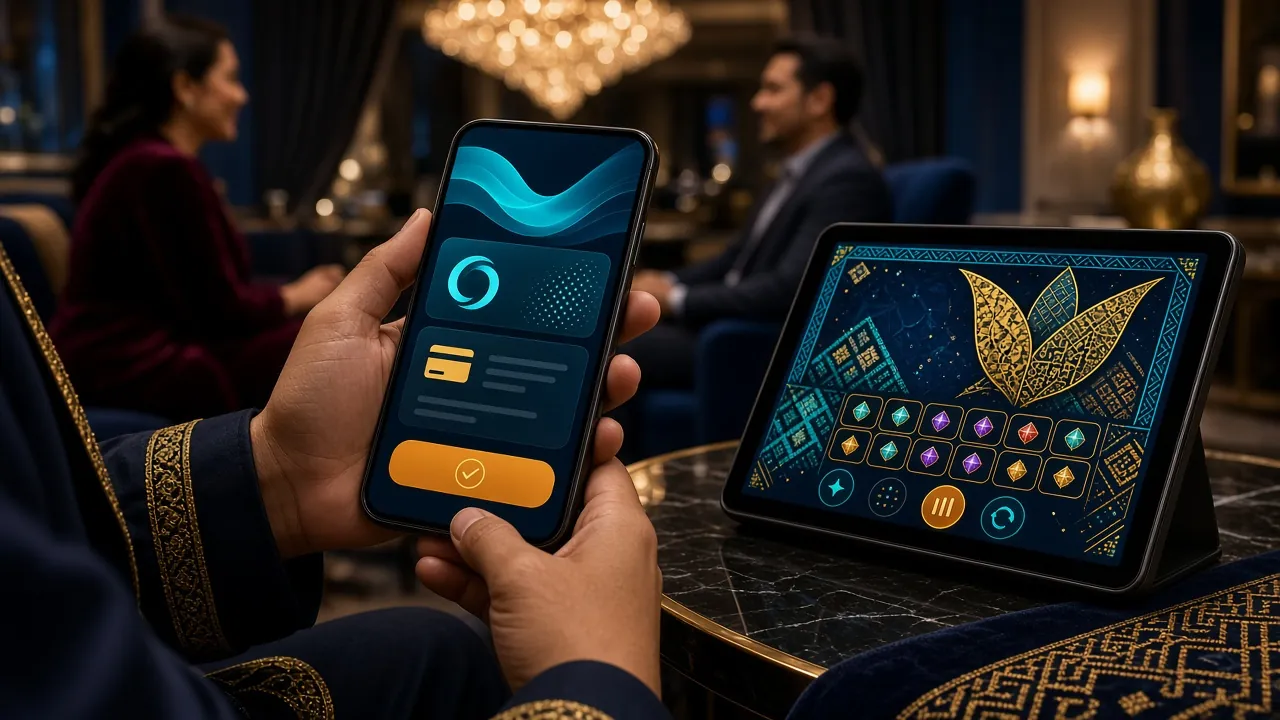
Nothing needs topping up to look around. You can open an account, browse the 1,300 games across PG Soft, Red Tiger, JDB, JILI and Playtech, and read the rules first. Add RM10 when you are ready to play for real.
Limits worth checking before you send
These are the figures players ask about most often, gathered in one place so you can plan a session without opening the help pages.
- Minimum deposit is RM10. That floor applies to every channel, and it is also the figure the welcome bonus needs before it activates.
- Minimum withdrawal is RM130. Balances below that stay in the account until a request meets the threshold.
- Daily withdrawal ceiling is RM18,500. It resets each day, and you can split it across as many requests as you need.
- Verification comes before the first withdrawal. Have a National ID card, passport or driving licence photographed and ready; review takes up to 6 hours.
- Bonus wagering is 22x. It counts against the bonus amount, so a larger top-up also means a longer release path before the funds become withdrawable.
- Support is 24/7 Live Chat. Payment traces and document checks both run through the same channel, and a receipt reference shortens the conversation considerably.
88rich deposit questions from live chat
Jump to a question